

Statistically, up to 95% of companies that try to implement AI automation fail.
Anecdotally, based our experience helping businesses automate, it’s almost always the same problem.
Businesses love the potential of AI automation.

But struggle with strategy, execution, and employee buy-in.
If you want to belong to the 5% that automate with AI the right way, our strategic process below will help you:
- Identify bottlenecks in your processes
- Determine which tasks to automate
- Implement automation while minimizing disruption
You’ll walk away with clarity on how to automate business processes, and options for implementation whether internally or with professional AI automation services.
Let’s begin.
Step 1: Understand How Your Company Actually Works
Before you automate, you need to understand how work actually happens in your business.
Many companies have employee handbooks and SOPs, but in reality, people often create unofficial workflows.

So, get busy interviewing and visually map out:
- What every department actually does
- Core workflows and processes
- How information moves through your company
- Where employees spend the most time
Use flow charts or mind maps and involve team members so their input shapes the map.
Also, if you sense employees are hesitant to share everything, consider a neutral facilitator.
Don’t rush this step! Without a an accurate understanding of processes, you end up automating the wrong things or the wrong way.
Step 2: Identify Bottlenecks
Approach this department by department, looking for tasks that are repetitive AND time-consuming.
In our experience, this usually boils down to some variation of:
- Repetitive typing or data entry
- Copying information between systems
- Searching through files or emails
These small inefficiencies add up to hundreds of wasted hours and are often practiced simply because that’s how employees were taught to do it.
By mapping everything out, you can create a master list of bottlenecks ready for automation.
Step 3: Decide If Bottlenecks Can Be Automated
Not every task should be automated, but we think most of them can.

Ask these questions for each bottleneck:
- Does the task follow a clear pattern?
- Is the input predictable?
- Is the output standardized?
- What happens if AI makes a mistake?
- Does a human need to review the result?
These questions will sort tasks into three categories:
- Full automation: Processes handled entirely by AI, with no human input. Ideal for low-risk, repeatable tasks, like generating internal meeting summaries.
- Semi-automation: AI performs the work but a human reviews it.
- No automation: Tasks that require human judgment or problem-solving and can’t be standardized.
About 95% of tasks fall into semi-automation.
Step 4: Prioritize Bottlenecks by Impact
With your list of automation opportunities, prioritize based on potential time saved.
Consider:
- Number of employees involved
- Hours spent per day on the task
- Frequency of the task
Processes that save the most time should go to the top of your list.
Once prioritized, you know exactly what to automate first!
Implementing AI Automation
Businesses of every size have three options for implementing automation:
1. Ready-Made Tools
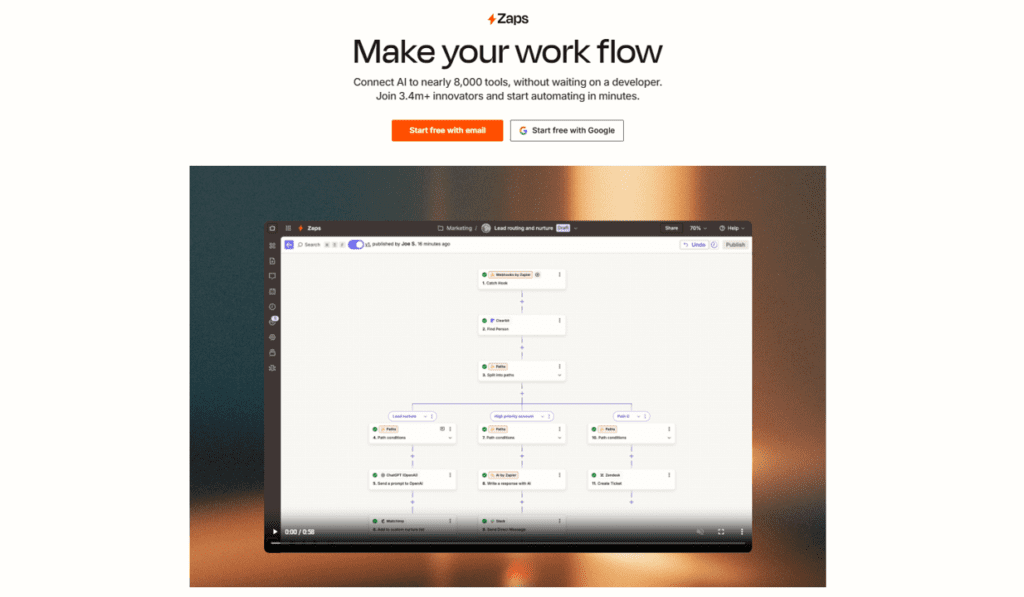
Plug-and-play AI tools and platforms (like Zapier) can handle common use cases like:
- Customer support chatbots
- Document summarization
- Content creation
- Internal knowledge assistants
- Automated email responses
If you’re feeling adventurous, you can even try to connect these workflows, but their flexibility is limited and if the platform doesn’t support the specific flows you want, most of the time you’re out of luck.
That said, they are unmatched for speed, cost, and are super effective for simple automations.
2. Build Custom Workflows
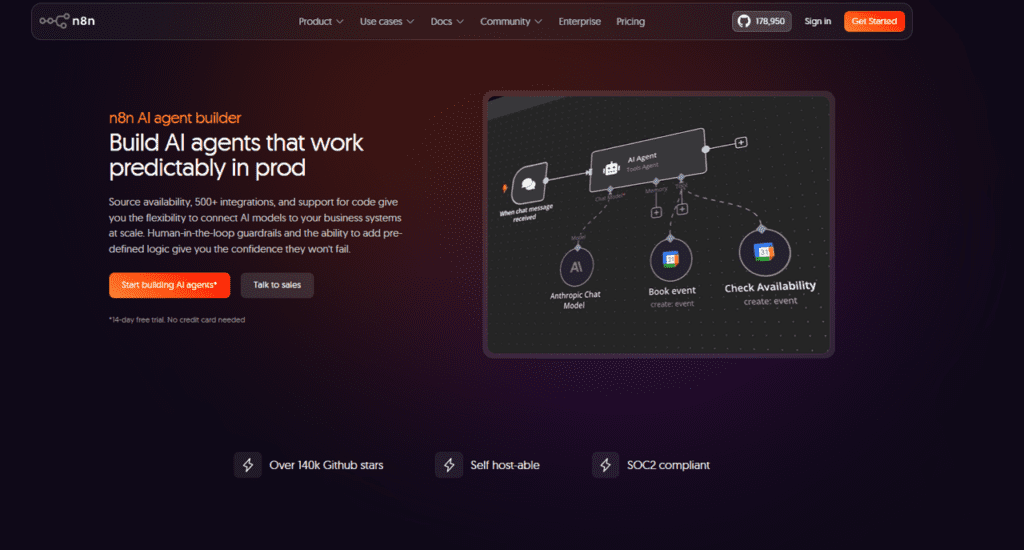
Custom workflows connect different tools to match your business needs exactly. For example, an AI agent might:
- Read emails
- Extract information
- Update a database
- Trigger another agent to generate invoices
This is highly flexible but requires technical knowledge.
Complex automation can become very time-intensive, and simple workflows might as well be done with the previously mentioned Zapier.
3. Hire Automation Specialists
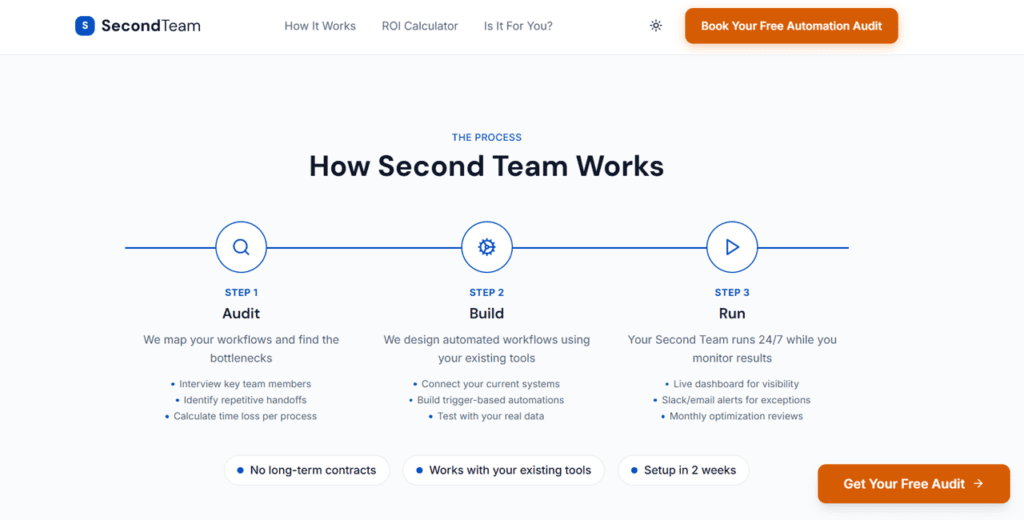
Engaging a specialist is the smartest move for businesses with complex processes.
Automation specialists design workflows that fit your team’s existing habits, ensuring smooth adoption.
They also communicate the benefits clearly, reducing resistance from employees.
Remember, most bottlenecks fall under semi-automation, meaning human oversight – and therefore employee adoption – is essential for this to work.
Final Advice for Business Owners
Businesses that decide to implement automation internally should remember you can’t get everything perfect on day one, but that doesn’t mean you can’t have standards!
Start with a Minimum Lovable Product (MLP) – a small, high-impact automation that delights your team, most commonly, this is achieved by addressing their most painful problem.

Seriously, automate something that makes them say, “Where has this been all my life?”
If you can do that, you’re well on your way to employee buy-in, and then half the battle is won.
That’s all from us, and we wish you all the best with your workplace process automations!
If you’re dealing with complex or large-scale projects, The Second Team specializes in helping businesses with enterprise-wide automation orchestration. Claim your free AI automation audit today and let us help you develop a clear automation strategy tailored to your business processes.
App Developer Interview Questions Template
Download this template now so you know exactly what to ask App Development Agencies! Let us know where should we send it through the form below.